
 Deutsch
 Svenska
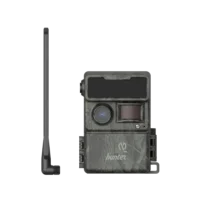
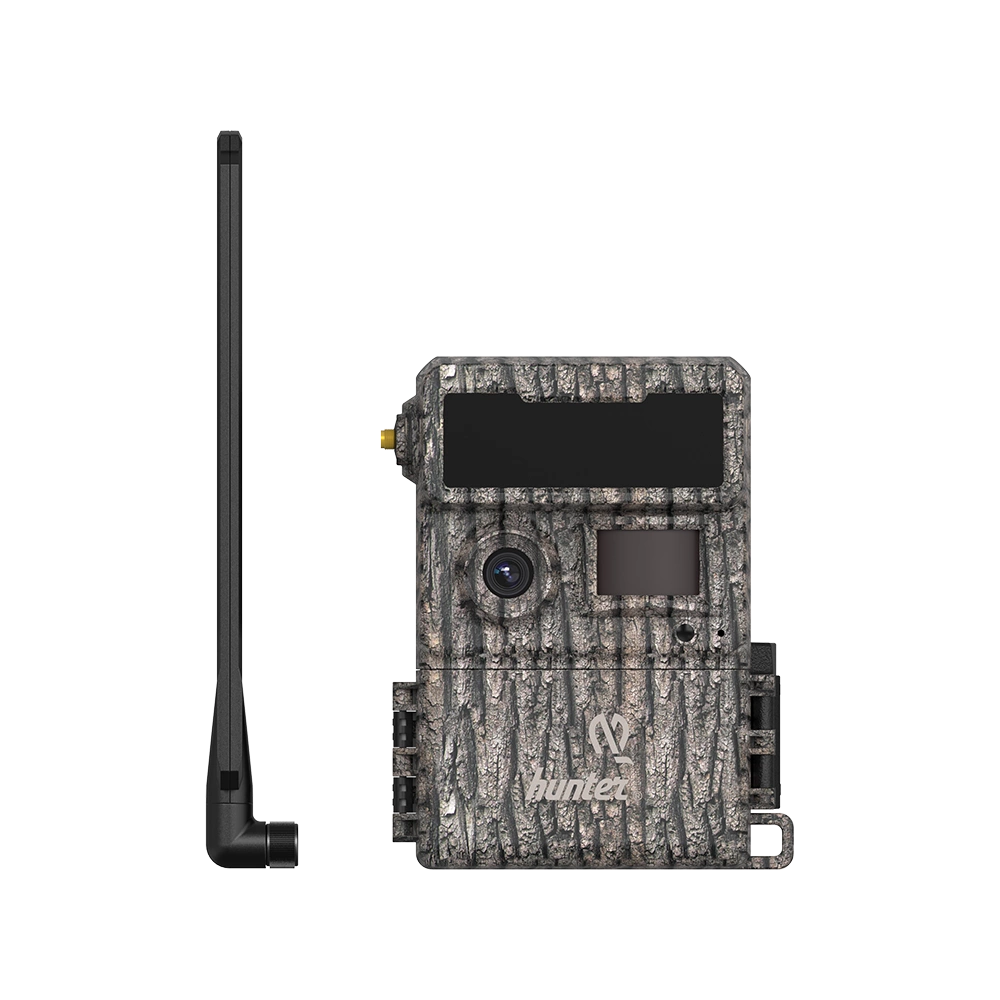
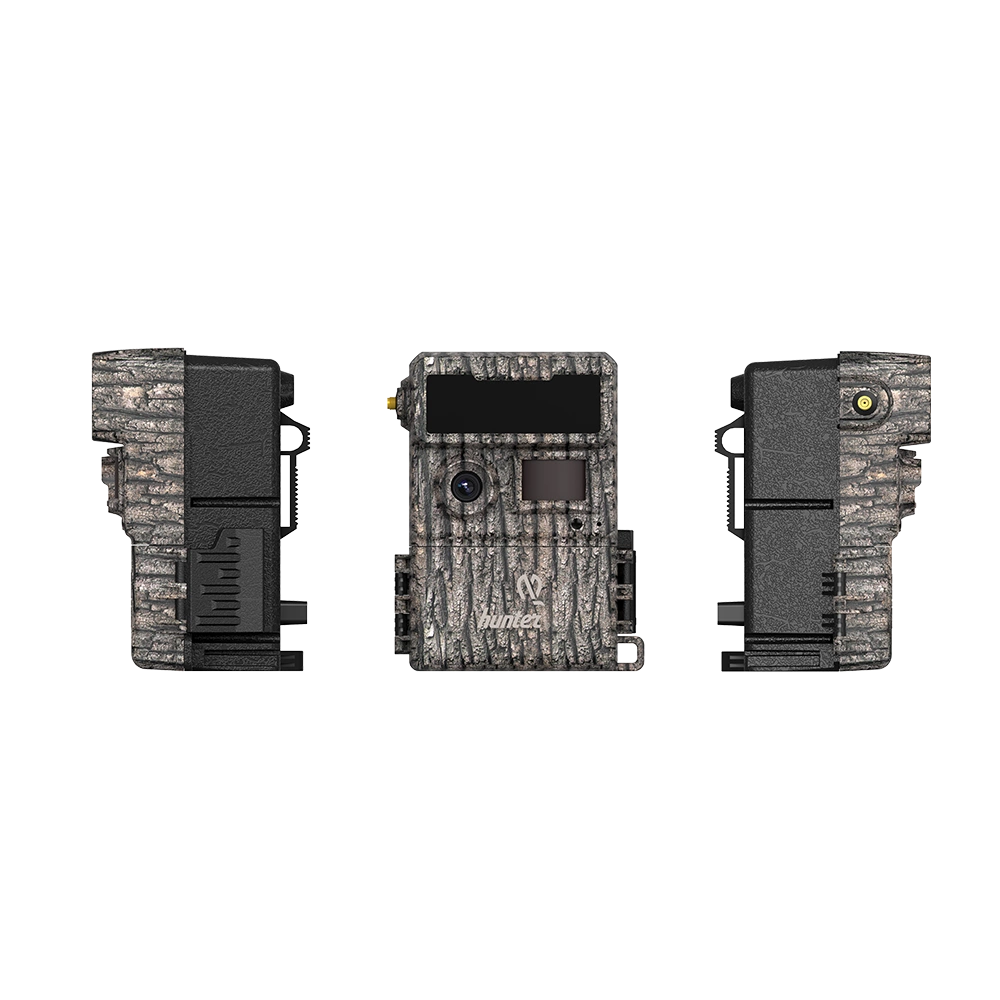
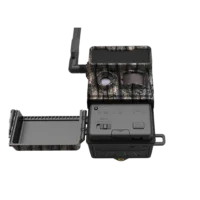
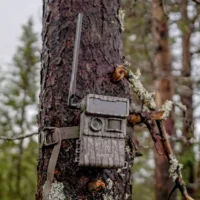
Hunter OBI 1 Game Camera
249,00 € inc. VAT
In stock
Hunter OBI 1 Cloud – Easy-to-Use 4G Trail Camera with Cloud Service
The Hunter OBI 1 Cloud is a modern 4G trail camera that sends photos and videos directly to your smartphone without separate SIM card installations or complicated setup procedures. The camera comes with a pre-installed SIM card, and setup takes only a few minutes using Hunter’s dedicated mobile app.
The OBI 1 Cloud is designed specifically for hunters, wildlife enthusiasts, and for monitoring properties and remote locations. Images are securely stored on Nordic-based servers, allowing access anytime and anywhere. A single user account can manage multiple cameras, and images can easily be shared with hunting club members or family.
Key Features
- 4G connectivity with included SIM card
- Remote management via the Hunter app
- 100 free images per month
- One user account for multiple cameras
- Secure image storage on Nordic servers
- Easy image sharing with other users
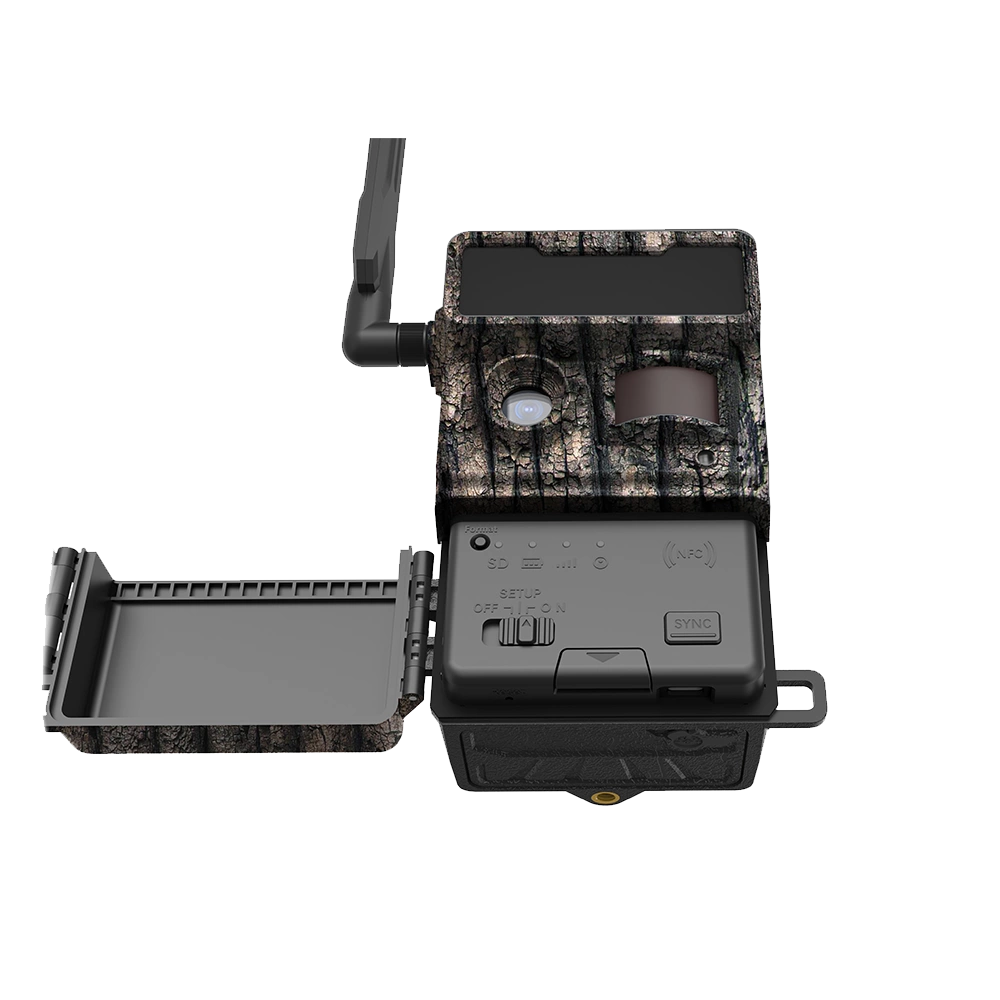
- Operates on AA batteries, 18650 lithium batteries, or a solar panel
- Includes two battery trays for different power sources
- IP66 weather-resistant construction
- Fast trigger speed of approximately 0.5 seconds
How the Hunter OBI 1 Cloud Works
The camera detects movement using a PIR motion sensor and immediately captures a photo or video. The recorded content is automatically transmitted via the 4G network to the Hunter cloud service and becomes instantly available on your smartphone.
Using the app, you can:
- Receive images immediately after they are captured
- Check the camera’s status
- Change camera settings remotely
- Manage multiple cameras from a single view
- Share camera access with other users
- Download images to your phone or share them further
Setup
The camera is designed for quick and simple installation:
- Install the power source (12 AA batteries or 18650 lithium batteries).
- Insert an SD memory card (4–32 GB).
- Attach the included 4G antenna.
- Download the Hunter app to your smartphone.
- Create a user account.
- Add the camera to the app using the QR code or camera ID.
- Select your preferred subscription package.
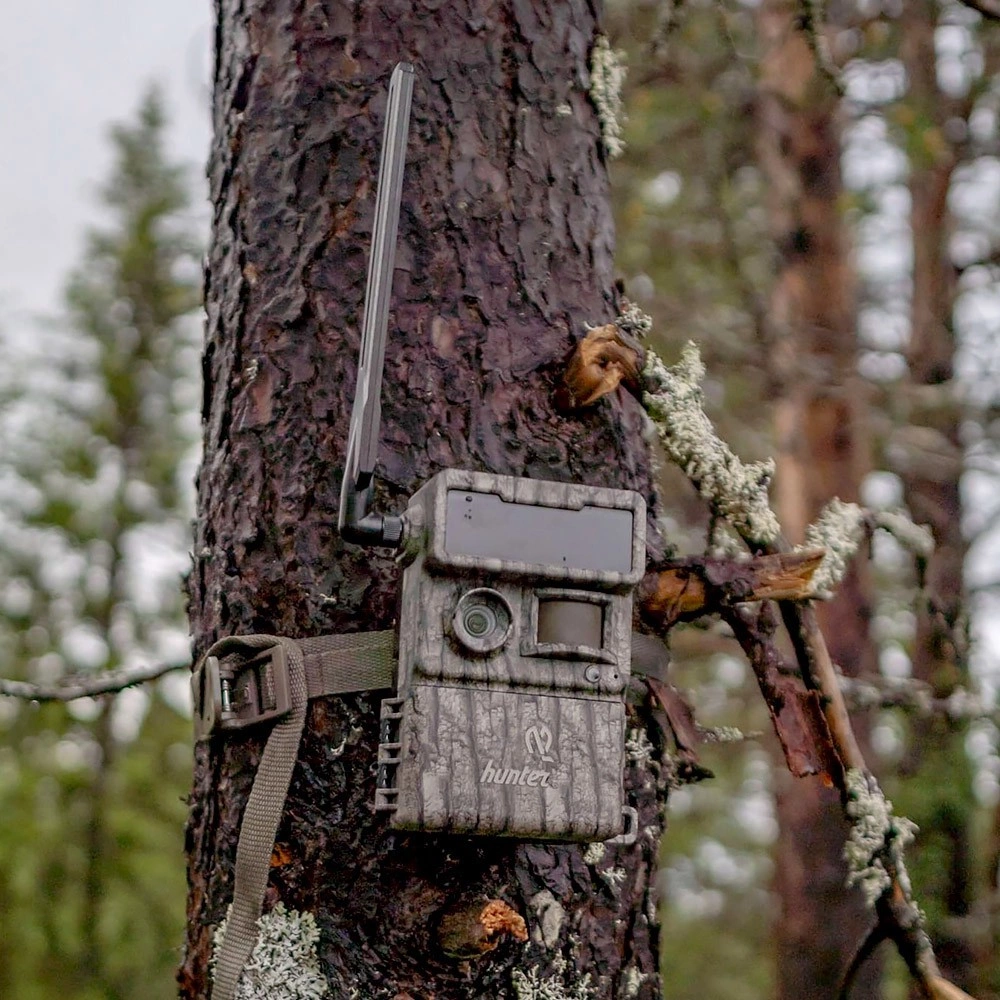
- Mount the camera and begin using it.
The camera is ready for use in just a few minutes.
Hunter App
The Hunter OBI 1 Cloud uses the manufacturer’s dedicated Hunters mobile app.
The app is available on:
- Google Play (Android)
- Apple App Store (iPhone)
Through the app, you can manage all camera functions, receive images, change settings, and select your preferred data package. A single user account can manage multiple OBI 1 cameras.
Technical Specifications
- Effective resolution: 2,312 × 1,304 pixels; 16:9 aspect ratio
- Day/Night mode: Yes
- IR range: 20 m (66 ft)
- Infrared illumination: 54 LEDs
- Memory card support: SD cards from 4 GB to 32 GB
- Lens: F2.0; DFOV 60°
- PIR angle: DFOV 52°
- PIR detection distance: 20 m (66 ft)
- Image resolutions: 3 MP / 5 MP; thumbnail resolution 3,072 pixels
- Video resolutions: 1080P (1,920 × 1,080), 720P (1,280 × 720), CVGA
- Trigger speed: 500–600 ms
- Delay function: Yes
- SD card operation mode: ON/OFF
- Operating voltage: Battery 9 V; DC 12 V
- Power sources:
- 12 × AA batteries
- 18650 lithium batteries
- External 12 V power supply
- Solar panel
- External DC input: 12 V
- Standby current: 0.1 mA
- Standby time: Up to 6 months (with 12 AA batteries)
- Connections: SD card slot, DC port, USB Type-C port
- Waterproof rating: IP66
Package Contents
- Hunter OBI 1 Cloud trail camera
- 4G antenna
- SIM card
- Battery tray for AA batteries
- Battery tray for 18650 batteries
- USB cable
- Mounting strap
- Quick-start guide
Operating Costs
| Service | Cost |
|---|---|
| App download | Free |
| User account creation | Free |
| Image reception | 100 images/month free |
| Data subscription | According to the selected package |
| Multiple camera management | One subscription can support multiple cameras within the manufacturer’s system |
| Image sharing with other users | Free |
| Cloud storage | Included according to the selected subscription package |
Note: The monthly subscription cost depends on the selected image and service package. Current pricing is displayed in the Hunter app during setup.
Only logged in customers who have purchased this product may leave a review.
Related products



Reviews
There are no reviews yet